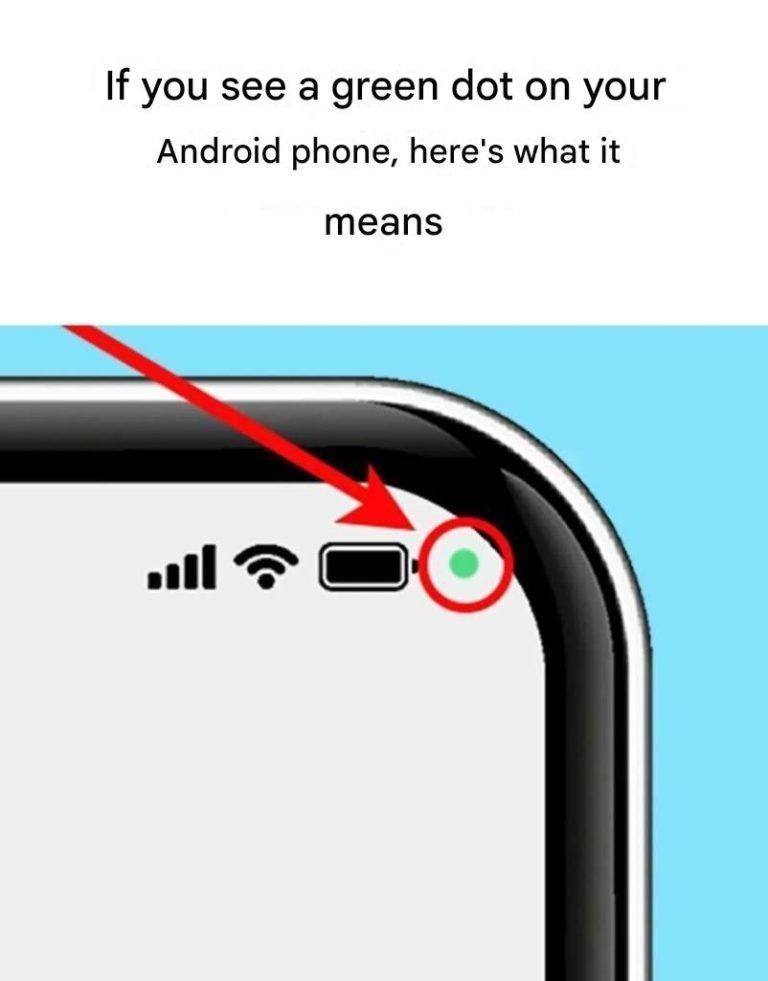
Yes—if you’re seeing a green dot on your Android phone, it’s completely normal and actually a privacy feature.
🟢 What the green dot means
It indicates that an app is currently using your camera or microphone.
👉 For example:
- Camera app open → green dot appears
- WhatsApp/Zoom call → microphone (and possibly camera) in use
🔍 Where it appears
- Usually at the top-right corner of your screen
- Similar to the indicator introduced on newer Android versions
🧠 Why it exists
It’s designed to:
- Protect your privacy
- Alert you if an app is accessing sensitive hardware
⚠️ When to be concerned
- You see the green dot when you’re not using camera/mic
- It stays on without a clear reason
👉 In that case:
- Pull down the notification bar to see which app is using it
- Close or uninstall suspicious apps
✔️ Bottom line
The green dot is a good thing—it means your phone is letting you know when your camera or microphone is active.
If you want, tell me when you see it—I can help you figure out exactly which app is triggering it.
